How to notate bass slap, pop, and ghost notes in Guitar Pro
A convincing slap-bass transcription needs more than fret numbers. Guitar Pro 8 provides dedicated slap and pop marks, dead notes, hammer-ons and pull-offs, left-hand tapping, and bass-specific playback choices. Use the marks only where they explain a real attack, then proof the groove at a slow tempo.
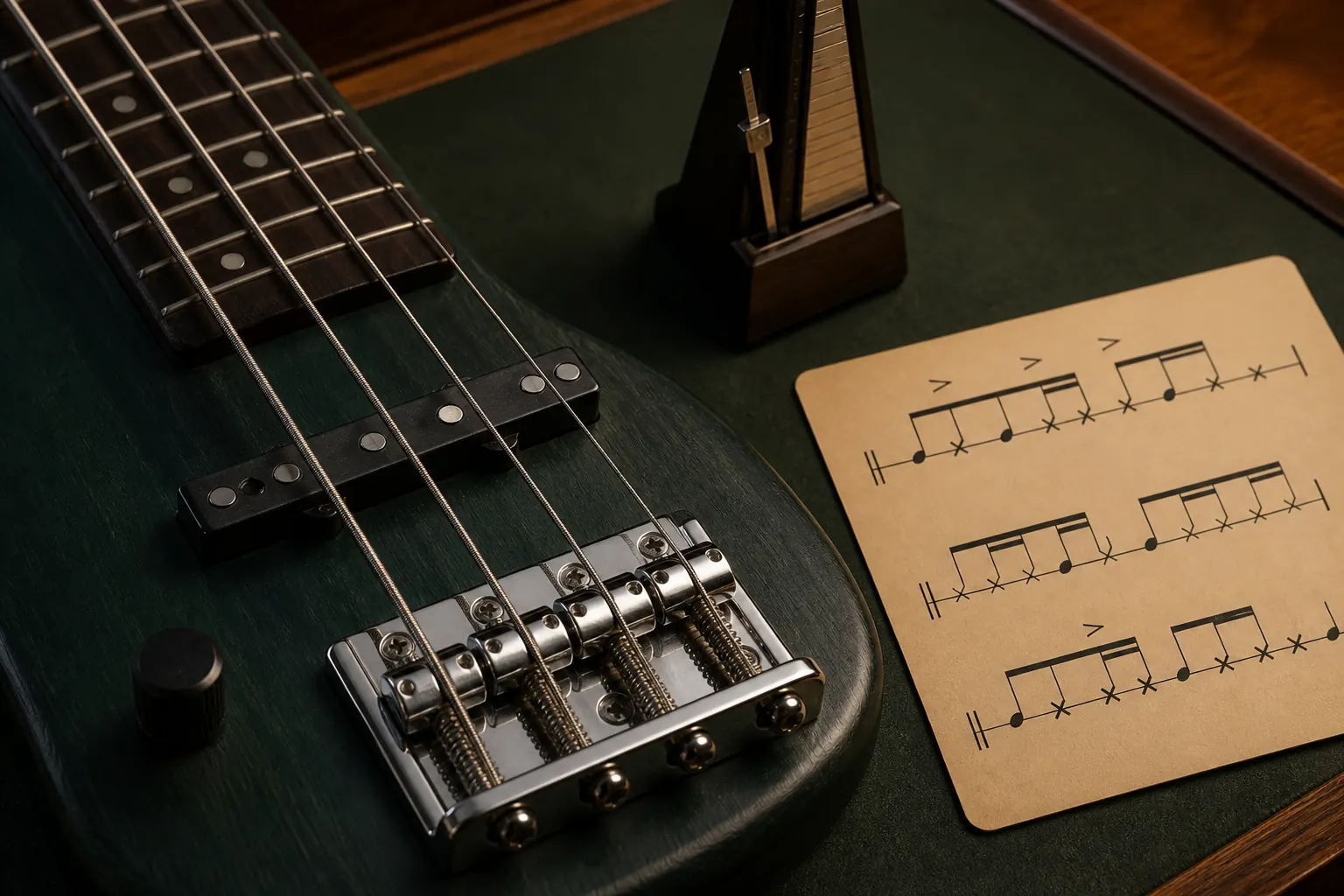
The practical answer
Notate the sound-producing action as well as the pitch: slap, pop, ghost note, and articulation marks should make the groove playable without turning every note into visual clutter.
Set up the bass track first
Choose the correct string count, tuning, and bass sound before entering the part. Confirm whether the recording uses a four-, five-, or six-string instrument and whether any string is detuned. Correct pitches on the wrong setup can produce misleading positions and impossible low notes.
Guitar Pro’s official slap tutorial recommends a bass sound and a Slap Bass interpretation as a useful playback starting point. Treat that as audition support rather than a substitute for attack marks in the written part.
Mark slap and pop attacks
Apply Slap to notes struck with the thumb and Pop to notes pulled and released against the fretboard. The marks should track the actual performance pattern, especially when a phrase alternates between a low slapped note and a higher popped response.
Do not mark every note merely because the overall style is slap bass. Hammer-ons, pull-offs, ordinary fingered notes, and slides within the phrase may use different attacks. Listening at reduced speed helps separate the initial attack from the notes it sets in motion.
Write ghost notes as rhythm
A ghost or dead note contributes timing and texture without a stable pitch. Enter it with the dead-note effect, place it on the string used by the player when that is known, and combine it with slap or another articulation when the attack itself matters.
Its duration still has to fit the voice. A page full of X-shaped notes can hide the beat, so beam and group them clearly and use rests where silence is intended. The notation should distinguish a muted strike from a missing note.
Add connected and percussive techniques
Use hammer-on or pull-off between the relevant notes, and add slides or ties only when they match the sound. For advanced left-hand percussive attacks, Guitar Pro’s official tutorial describes combining ghost notes with the left-hand tapping indication.
Percussive body hits or broad string rakes may not map perfectly to one bass pitch. Choose the clearest available percussion or dead-note representation, add brief text only when necessary, and prioritise rhythmic accuracy over a falsely precise fret number.
Proof the groove, not just the symbols
Loop one or two bars below full speed and listen for the alternation of pitched notes, muted attacks, and connected notes. Check that each beat is complete and that the notation visually exposes syncopation rather than obscuring it.
Finally, play the passage on a real bass or ask a bassist to review it. Playback can reveal timing mistakes, but only a player can confirm whether the string choices, transitions, and indicated attacks form a practical physical phrase.
Common questions
Sources and review notes
Product details were checked against the official sources below on 9 August 2026. Offers and software details can change, so confirm current terms before buying.