Protect, lock, and version Guitar Pro files safely
Guitar Pro 8 can leave a file unprotected, lock editing, or require a password to open it. Those controls are useful for controlled distribution, but they do not replace backups or version history. A safe workflow keeps an editable master, numbered working copies, and an exported reference.
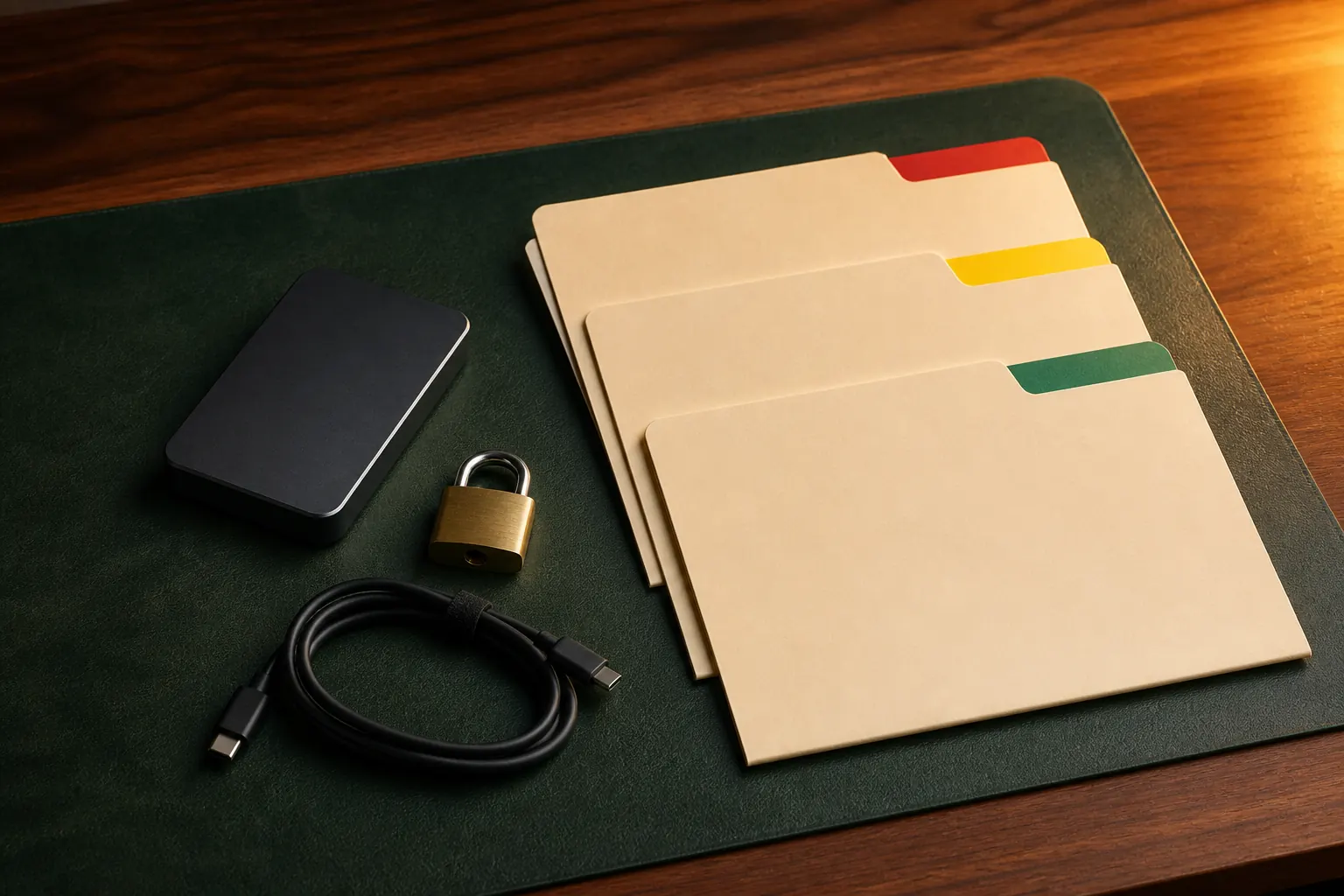
The practical answer
Lock a delivery copy only after preserving an unlocked master and a tested backup; access control is not version control.
A step-by-step approach
-
1
Preserve the master
Save and back up an unlocked editable master before creating any protected version.
-
2
Create a delivery copy
Duplicate the master and name the copy for its recipient, purpose, and revision.
-
3
Choose the protection level
Use File > Lock/Unlock to leave the copy unprotected, lock editing, or protect opening with a password as needed.
-
4
Test the protected copy
Close and reopen it, confirm the intended restriction, and verify that playback, printing, or other promised uses still work.
-
5
Archive the release
Store the delivered Guitar Pro file, an exported reference, and the corresponding unlocked master in backed-up locations.
Choose protection for a real reason
Guitar Pro 8 documents three saving states through File > Lock/Unlock: no protection, locked editing, and password-protected opening. Editing protection can suit a reference chart that should remain unchanged; opening protection can suit a file intended only for named recipients.
Do not add a password merely because a file feels important. Passwords create support and recovery risks, especially when collaborators need long-term access. Use the least restrictive setting that solves the actual distribution problem.
Keep an unlocked master
Finish and back up an unlocked source before protecting anything. Create a separate delivery copy, apply the lock to that copy, then close and reopen it to test the behaviour. Never make the only editable version dependent on a password you might lose.
Export a PDF or audio reference at the same milestone. The reference helps you confirm what was delivered and remains readable even if a future application version handles an old editable file differently.
Use simple milestone versioning
A practical filename records the project, purpose, and revision without becoming a diary. Use milestones such as draft-01, rehearsal-02, and approved-01, or a date plus a short status. Avoid names such as final-final-new, which provide no reliable order.
Create a new version before structural changes, imported revisions, large layout changes, or external review. Ordinary saves within one editing session can stay in the current file; meaningful checkpoints deserve a new copy.
Separate locking, backups, and recovery
Locking controls access to one file. It does not protect against drive failure, accidental deletion, corruption, ransomware, or a forgotten password. Maintain at least one separate backup location and verify periodically that the files open.
Guitar Pro has backup and recovery behaviour for working files, but recovery copies are a safety net rather than an archive policy. Keep deliberate milestone versions outside temporary or application-managed backup folders.
Hand off files without ambiguity
Tell the recipient whether a file is editable, open-password protected, or intended only as a playback reference. Share a password through a separate secure channel, and never put it in the same public message or folder as the file.
Retain the exact delivered copy and note the recipient and date outside the score. If revisions are requested, update the unlocked master, create a new numbered delivery copy, and protect that new copy rather than attempting to edit the release in place.
Common questions
Sources and review notes
Product details were checked against the official sources below on 9 August 2026. Offers and software details can change, so confirm current terms before buying.