How to use Guitar Pro tabs for focused practice
The fastest way to learn from a Guitar Pro tab is to check the arrangement, isolate the part you need, loop a short passage below full speed, and increase the tempo only after the notes are clean.
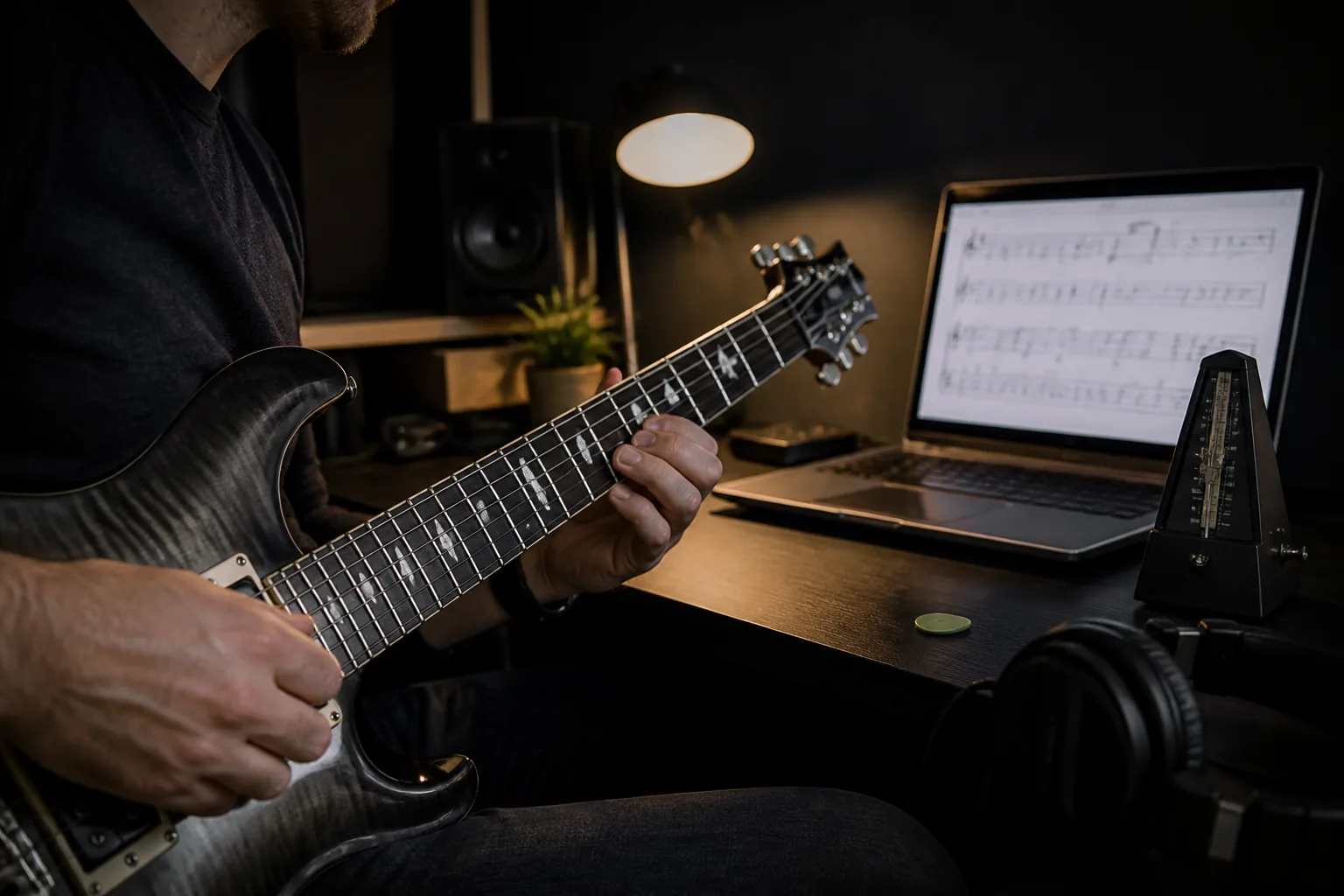
The practical answer
Short loops with a controlled tempo beat repeatedly playing the whole song from the beginning.
A step-by-step approach
-
1
Open a shortlisted version
Choose a file that matches the instrument and arrangement you need, then confirm that it opens without missing tracks or obvious timing problems.
-
2
Check the arrangement
Review tuning, tempo, time signature, track names, and the section you want to learn before you start playing.
-
3
Isolate the useful track
Focus or solo the target part, then keep enough of the rhythm section audible to preserve the groove.
-
4
Loop a short musical phrase
Select a small passage that contains one clear problem, such as a chord change, picking pattern, or position shift.
-
5
Build speed without losing control
Start below full tempo, repeat accurately, and increase the speed in small steps. Drop back if tension or mistakes return.
-
6
Play the complete section
Remove the loop and play through the surrounding section so the repaired phrase works in context.
Start by checking the file
A popular download is a useful signal, but it is not proof that a transcription is accurate. Listen to the opening bars, inspect the track names, and check the tuning and tempo against the recording before investing practice time.
If one version has missing measures, implausible fingering, or a rhythm that does not match the song, return to the song page and try another arrangement.
Make the loop small enough to diagnose
A four-bar loop can still hide several problems. Reduce the selection until it contains one musical task: a shift, a bend, a fast picking burst, or a change between two chord shapes.
Use the metronome or the surrounding tracks to keep the rhythm honest. Slowing the music is useful only if the timing and movement stay deliberate.
Increase tempo after accuracy
Choose a starting speed where you can stay relaxed and land the notes consistently. Raise the tempo in small steps after several clean repetitions. If errors return, reduce the speed and repair the movement before continuing.
The official software includes relative tempo controls and a speed trainer, so the progression can happen inside the same loop.
Return to the song
End the drill by removing the loop, restoring the other tracks, and playing from before the difficult passage to after it. This tests the entry, the phrase itself, and the recovery that follows.
Save a short note about the tempo you reached and the passage that still needs work. The next session can start with evidence instead of guesswork.
Common questions
Sources and review notes
Product details were checked against the official sources below on 9 August 2026. Offers and software details can change, so confirm current terms before buying.