Guitar Pro mobile vs desktop: what each version can do
The mobile and desktop editions overlap as tab players, but they are not interchangeable score editors. Desktop is the safer home for full arrangements and detailed notation; mobile is strongest for carrying a library, playing files, looping passages, changing playback, and doing lightweight work away from a computer.
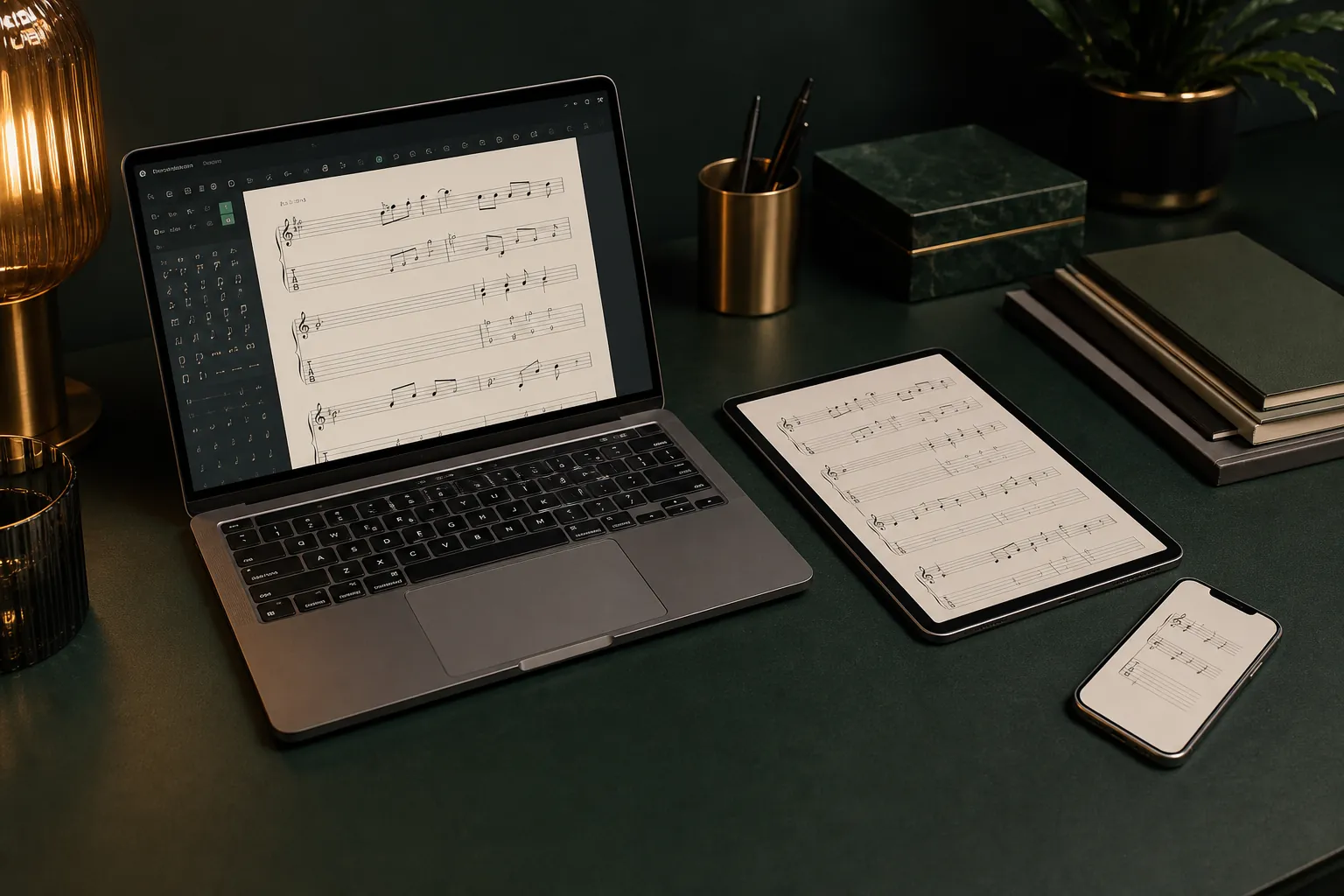
The practical answer
Create and maintain the master score on desktop, then use mobile as a portable player and practice companion unless its limited NotePad workflow fully covers the job.
The short answer: edit on desktop, practise on mobile
Choose desktop when you need to create a multitrack arrangement, change detailed notation, manage score layout, work with audio tracks, or export several formats. Its larger workspace and complete editing toolset make it the sensible location for the authoritative version of a project.
Choose mobile when the main task is opening a tab, selecting a track, muting or isolating parts, transposing playback, changing speed, using a metronome or countdown, and looping a difficult passage. That division avoids assuming that a file carried on a phone can be corrected as freely as it can on the computer.
What the mobile player does well
Guitar Pro support documents mobile playback controls for track selection, volume, mute and solo-style isolation, soundbank choice, score display, metronome, countdown, fretboard or keyboard views, relative speed, and loop practice. Those features cover many lesson, commute, and rehearsal needs without bringing a laptop.
The exact feature set can differ between iOS and Android and may change with app updates. Before buying around one essential function, confirm it in the current store listing or official support section for your platform rather than relying on an old desktop tutorial.
Understand mobile editing limits
Official iOS guidance describes editing through a separate NotePad feature rather than by opening any imported score and changing it freely. The documented NotePad workflow is aimed at a fretted instrument in tablature on one track, with basic setup such as tuning, capo, tempo, time signature, and selected interpretation options.
That is useful for capturing an idea, but it is not a replacement for desktop work on a band arrangement, complex standard notation, automation, layout, or imported-score correction. Treat a mobile draft as an input to the desktop project, not automatically as the master copy.
Plan file transfer and compatibility
The official iOS import instructions list common Guitar Pro generations such as GP3, GP4, GP5, GPX, and GP files, plus PowerTab files. Transfer methods depend on the device and operating system, including the Files app and computer-to-device workflows documented by Guitar Pro.
Use a simple test file before a rehearsal-critical transfer. Open it on mobile, check every track, listen for missing sounds, verify repeats and chord diagrams, and make sure the file remains available offline if the venue has unreliable connectivity.
Use a safe two-device workflow
Keep the editable master and dated backups on the desktop or in a dependable synced folder. Export or copy a clearly named rehearsal version to mobile only after it has been checked, and avoid making parallel changes on several devices without a deliberate merge plan.
If a mobile limitation blocks you, write down the bar and required change instead of rebuilding the score inside a restricted editor. Correct the master on desktop, create a new rehearsal copy, and replace the old mobile file so everyone is practising from the same revision.
Common questions
Sources and review notes
Product details were checked against the official sources below on 9 August 2026. Offers and software details can change, so confirm current terms before buying.