Notate bends, slides, harmonics, and guitar techniques
Technique markings should explain how a phrase is played, not decorate every note. A useful score distinguishes the musical result, the physical action, and the duration of an effect, then verifies that notation, tablature, and playback all communicate the same intention.
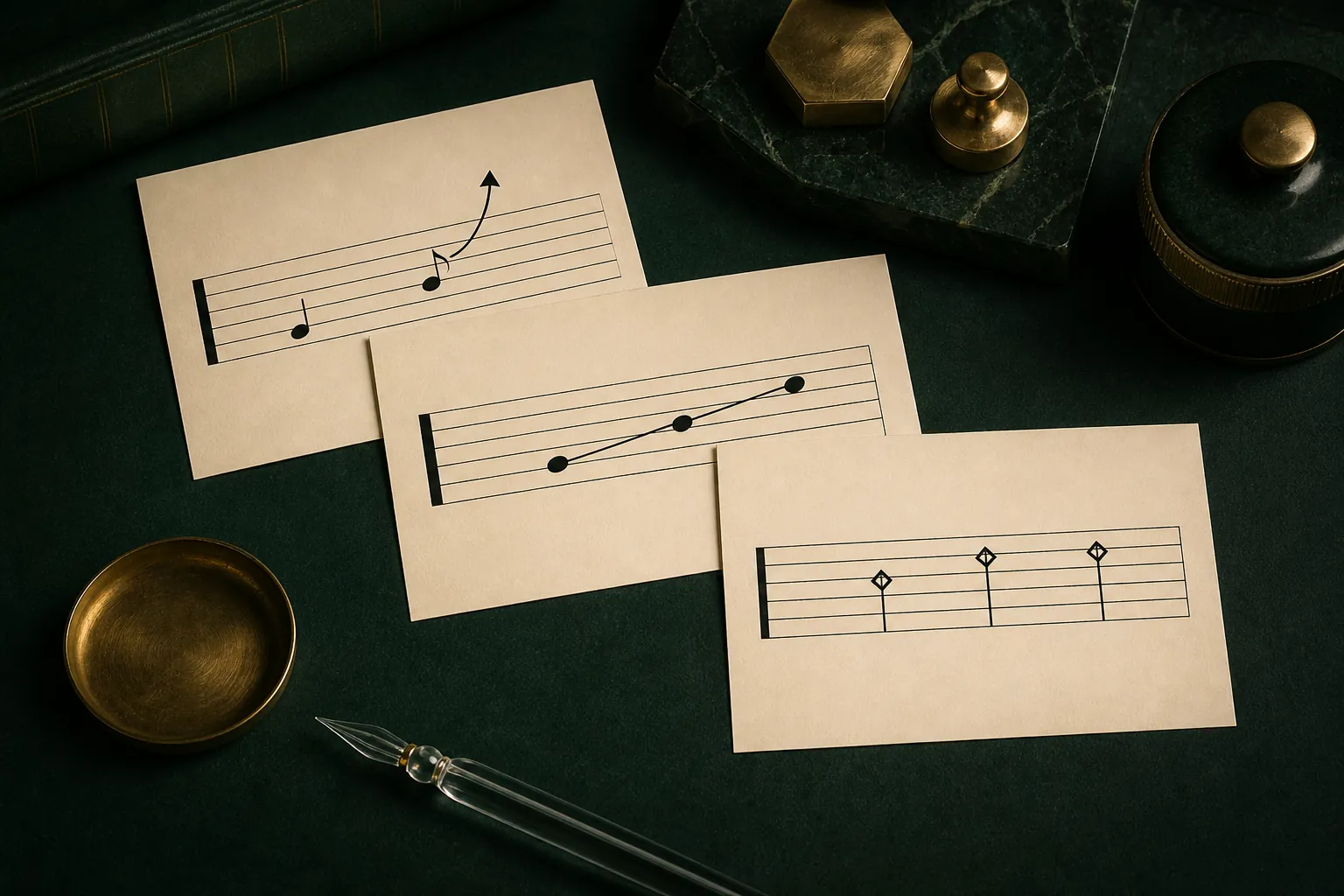
The practical answer
Select the smallest accurate technique marking, define its amount and duration where needed, and validate both the printed symbol and the sounding result.
Choose the musical instruction before the symbol
Listen to or imagine the performance first. Decide whether the note rises continuously, slides into a target, rings over later notes, is lightly muted, or produces a harmonic. Similar-looking marks can represent different physical actions, and the wrong one may still create superficially plausible playback.
Apply a technique to the smallest meaningful selection. If an effect spans a phrase, establish where it begins and ends; if it changes one attack, mark only that note. Over-marking makes the page dense and can trigger unintended playback interpretation.
Build bends with an exact shape
A useful bend identifies the type, such as bend, bend and release, prebend, or prebend and release, and the pitch distance. Official Guitar Pro teaching material also demonstrates bend plus vibrato. Select the note first, choose the shape, and set the intended interval rather than accepting a default blindly.
Check whether the starting fret and string can support the interval comfortably. Large bends are not equally practical everywhere, and moving the note to another string can change both playability and tone. Listen for the target pitch and inspect the printed curve at normal page size.
Keep slides and legato physically connected
A slide normally implies movement along one string, so the two notated pitches must occupy compatible positions. If automatic tablature placed them on different strings, move one pitch before applying the slide. Distinguish a slide into or out of an unspecified pitch from a measured slide between two written notes.
Hammer-ons and pull-offs also depend on string choice and direction. Use playback as a warning system, not final proof: a sound engine may render a transition that is awkward on the instrument. Play or mentally finger the complete group at the written tempo.
Differentiate harmonics and sustained effects
Natural harmonics come from nodes on an open string, while artificial or tapped harmonics combine a fretted note with a higher touch point. Make sure the harmonic type, displayed fret information, and sounding pitch agree, especially after tuning or transposition changes.
Palm mute, let ring, and similar line-based techniques need intentional boundaries. End a palm-muted region before an open accent and stop let ring where harmony changes or the performer must damp the strings. Long overlapping lines are easy to miss in a dense score, so inspect each system break.
Audit notation, tab, and playback together
Standard notation may show the sounding pitch or a conventional guitar representation, while tablature communicates physical location. Guitar Pro offers formatting options for some technique display choices, including bend-related notation, so choose the view that best serves the reader and remain consistent.
Solo the track and listen slowly, then restore the full arrangement. Confirm that every effect begins on the correct note, releases at the correct time, and remains visible after print or PDF export. If the playback sounds exaggerated, first verify the chosen technique and its parameters rather than hiding the problem with mixer automation.
Common questions
Sources and review notes
Product details were checked against the official sources below on 9 August 2026. Offers and software details can change, so confirm current terms before buying.