Standard notation, tablature, and slash notation in Guitar Pro
Guitar Pro can display standard notation, tablature, and slash notation separately or in combination. The best view depends on the task: standard notation communicates pitch and rhythm across instruments, tab communicates string and fret choices, and slash notation keeps rhythm parts uncluttered.
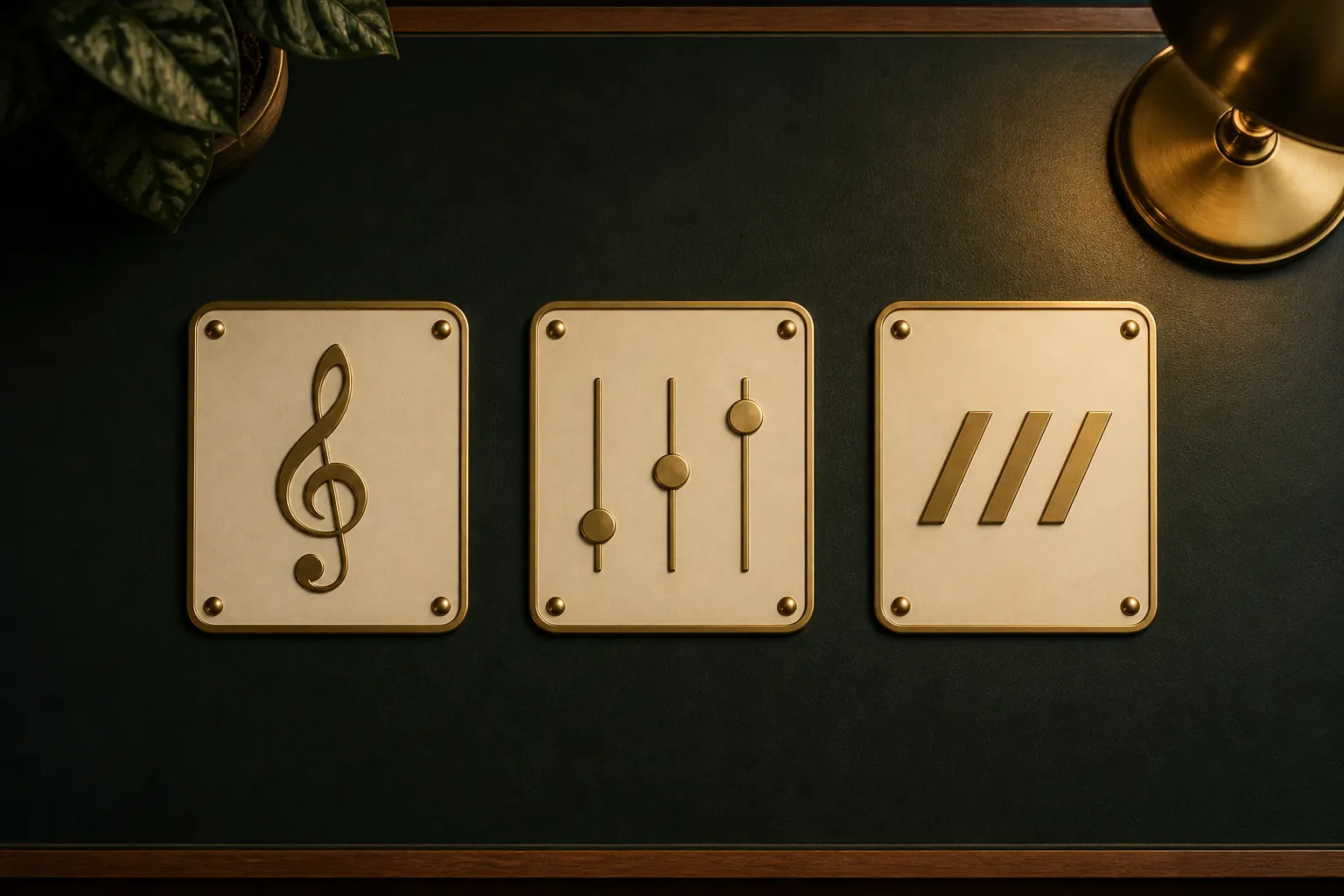
The practical answer
Display the minimum notation that answers the player’s question, and combine standard notation with tab when both rhythm and fret position matter.
Use standard notation for musical structure
Standard notation shows pitch, rhythm, key, rests, dynamics, articulations, and musical direction in a form shared by many instruments. It does not force one string or fret, which gives an experienced guitarist freedom to choose a practical position.
It is the strongest default for ensemble scores and for players who need to see harmonic and rhythmic relationships. For a guitarist still learning the staff, pairing it with tablature can connect written pitch to a playable location.
Use tablature for physical location
Tablature shows which string and fret to use, making alternate tunings, position shifts, bends, and guitar-specific fingerings immediately practical. That precision is valuable because the same pitch often exists in several places on a fretboard.
Fret numbers alone do not explain rhythm. Guitar Pro can show rhythmic values in tablature, and official guidance explains how rhythmic display can remain visible when standard notation is hidden. Before sharing tab-only material, confirm that note values and rests are readable.
Use slash notation for rhythm parts
Slash notation represents rhythmic attacks without spelling every pitch. It suits chord charts, comping parts, and rehearsal material where chord symbols or an agreed voicing supply the harmony and the player mainly needs the groove.
Do not use slashes when exact notes, bass movement, or a distinctive voicing is essential. Add chord symbols, rhythmic accents, and section information so the part remains actionable rather than becoming a page of anonymous strokes.
Show or hide views per track
Official Guitar Pro support places the standard, tablature, and slash visibility controls in the Track inspector under Musical Notation. The controls apply to the selected track, which allows guitar, bass, drums, and other instruments to use the view appropriate to each part.
After changing visibility, inspect page count, staff spacing, technique symbols, lyrics, and chord diagrams. Removing a staff changes the layout, so a score that looked balanced with standard notation plus tab may need a new system break or proportion setting in tab-only form.
Choose the view for the reader
For private practice, show whichever combination helps you learn. For a student, bandmate, or customer, decide from their instrument, reading level, and required precision. A beginner guitarist may need tab plus rhythm; a pianist needs standard notation; a rhythm guitarist may prefer slashes with chord symbols.
Export a test PDF and read it without playback. If the player cannot tell when to play, where to play, or which notes are fixed, restore the missing information. A cleaner page is useful only when it remains musically complete.
Common questions
Sources and review notes
Product details were checked against the official sources below on 9 August 2026. Offers and software details can change, so confirm current terms before buying.