How to enter triplets, tuplets, and nested tuplets in Guitar Pro
A tuplet fits a chosen number of equal notes into time normally occupied by another number. The reliable method is to decide the rhythmic ratio first, then apply it to an exact selection.
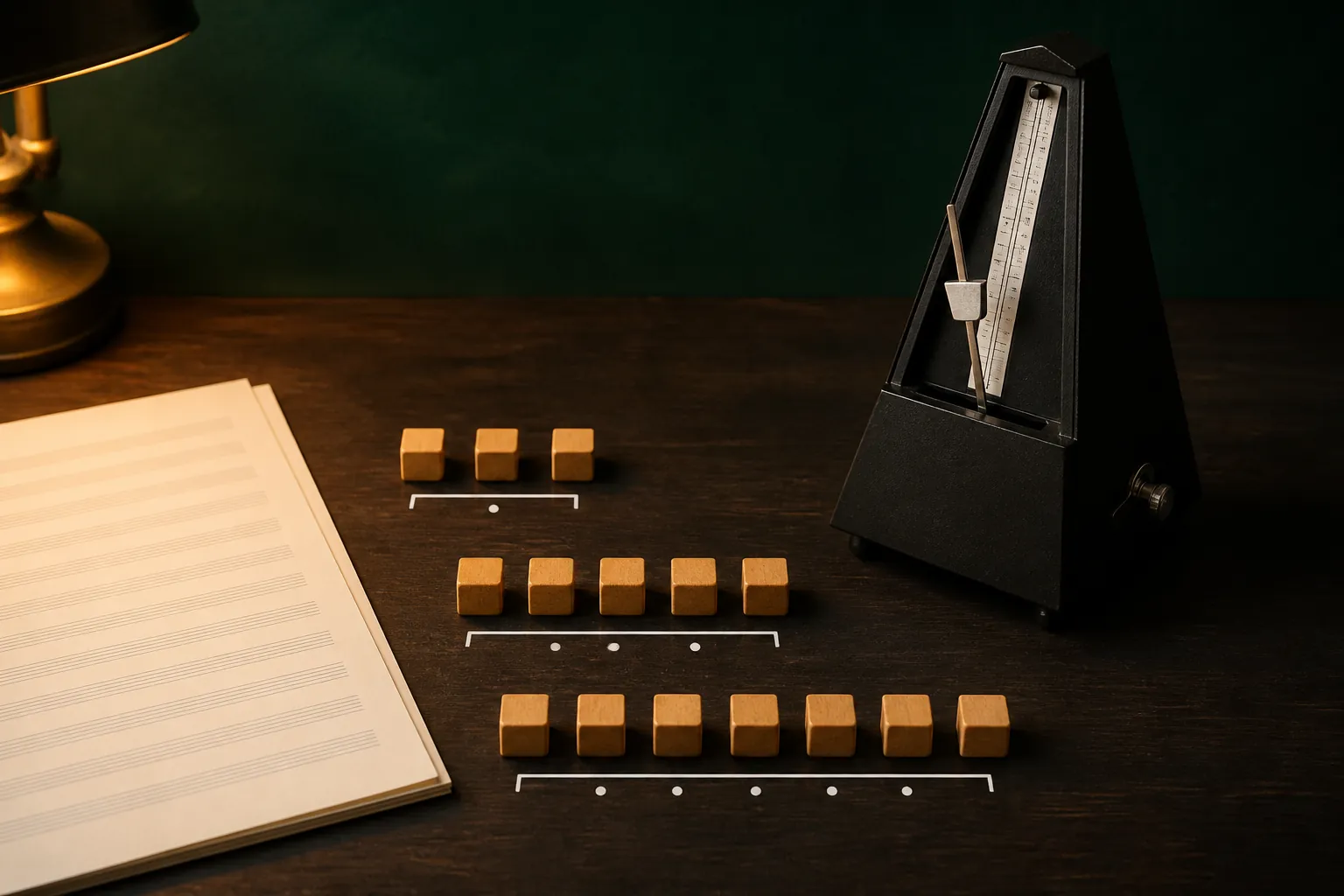
The practical answer
Build the outer rhythm before adding nested tuplets, and verify both the group’s ratio and the containing bar after every change.
A step-by-step approach
-
1
Count the rhythm
Identify how many equal notes fit into the space of how many normal notes.
-
2
Choose the base duration
Set the note value that the tuplet will subdivide before applying the group.
-
3
Create the outer tuplet
Use the standard n-tuplet control for a normal group and enter each attack evenly.
-
4
Add nesting only if required
Select the beat inside the outer group and use the separate nested-tuplet control.
-
5
Verify duration and playback
Run Check Bar Duration, listen with a metronome, and inspect the bracket and beam grouping.
Understand the ratio before clicking
A common triplet places three equal notes in the time normally occupied by two of the same base value. Other tuplets use different ratios, so “five notes” is incomplete information until you know the span they must occupy.
Count the containing beat aloud and decide the base value first. If the intended rhythm cannot be described clearly, entering notes at random and adding a bracket later is likely to produce a bar-duration error.
Create ordinary tuplets from a clean duration
Select the starting beat, choose the intended note value, then apply the standard n-tuplet control and enter the group. Keep attacks evenly distributed before adding ties, rests, or articulations.
After the group is complete, listen against the metronome and check the end of the bar. If following notes shift or the bar turns invalid, undo and correct the base duration or ratio rather than patching the final rest.
Build nested tuplets from the outside inward
Guitar Pro 8 provides a dedicated nested-tuplet control beside the standard n-tuplet icon. Create and verify the outer tuplet first, then select the portion inside it that needs a second subdivision.
A nested group inherits time from its parent, so a mistake in the outer ratio makes the inner group impossible to diagnose. Keep the first example short and use a metronome until the hierarchy sounds and looks correct.
Fix incomplete or overfull bars at the source
Use Check Bar Duration after each tuplet edit. Red or invalid bars usually indicate that the group occupies a different amount of time than expected, not that Guitar Pro needs an arbitrary extra rest.
Inspect each active voice separately in multivoice notation. A correct tuplet in voice 1 does not complete voice 2, and hidden rests in another voice can make the combined bar misleading.
Make complex rhythm readable
Beam groups should reveal the pulse, not merely contain the notes. Break or join beams where necessary and avoid tying across a beat when a simpler notation expresses the same sound more clearly.
Use the simplest ratio that matches the performance. Nested tuplets are valuable when the rhythm truly contains one irregular division inside another, but they should not replace clearer tempo, tie, or ordinary-tuplet notation.
Common questions
Sources and review notes
Product details were checked against the official sources below on 9 August 2026. Offers and software details can change, so confirm current terms before buying.